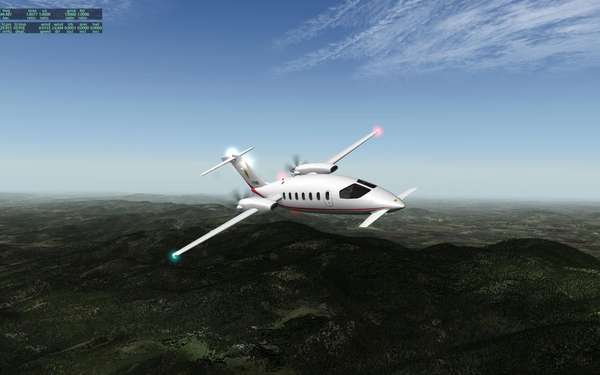
|  |  | | P180 Avanti Ferrari Team - GPS - X-Plane 9 16. 3. 2008 / 18:11 | |
| | Neviem kto ste ako daleko v lietani v X-Plane 9 a navyse pouziva pokrocilejsiu navigaciu GPS 
Ale chcem sa opytat, ci niekto netusi, ako v eru P180 sa da prepnut do GPS modu.
Viem si naprogramovat celu trasu cez to pseudo FMS , krasne ju vidim na display, ale ani za boha nechce podla toho letiet.
Cele nedelne popoludnie v cudu, ale GPS ne a ne
P.S.
Aspon jednu obrazkovu naladovecku z toho era
|
| |
|
 |  | | | P180 Avanti Ferrari Team - GPS - X-Plane 9 16. 3. 2008 / 18:22 | |
| | No, hlavne ze naladovka je, ale to podstatne som nedal.
Tu je panel, a skuste poradit kde co mam nastavit
V cervenom je oznaceny prepinac pre NAV1 a NAV2 a preco mam dojem, ze tam proste chyba GPS ?
http://www.ivao.sk/xwing/p180_P.JPG |
| |
|
 |  |  | | | P180 Avanti Ferrari Team - GPS - X-Plane 9 16. 3. 2008 / 20:11 | |
| | | Skus si v settings zvolit-oznacit klavesu,ktora ti zapne GPS.Je tam toho mraky a zrejme tvorca pocita s tym,ze sa to bude ovladat klavesou.Skus to. |
| |
|
| | | | | P180 Avanti Ferrari Team - GPS - X-Plane 9 - VYRIESENE 16. 3. 2008 / 23:05 | |
| | Tak som sa pohrabal na fore X-Plane a vypada to tak, ze je to chybka v panelu a tu je postup ako to vyriesit a uz to funguje bezvadne:
http://forums.x-plane.org/index.php?showtopic=29469&hl=P180
The problem is it has the wrong HSI nav source selector - just Nav1/Nav2. As equipped, it is not possible to fly this plane with the FMS, unless you program a joystick button or keystroke to operate the nav source selection. (This may or may not work.)
This is an easy PlaneMaker fixup. First for safety make a copy of the .ACF file. Open the plane with Planemaker and select Standard->Panel. Use the arrow keys to scroll the panel over to where you can see the nav source selector switch. Click it. Note that its name is now selected in the floating instrument menu. Press Delete to remove this switch. Now click the next item down in the instrument list - but_HSI_12GPS. Its image will apear to the left of the instrument list. Drag that image onto the panel where the old control was. Click the X in either top corner to exit the panel menu, save, and quit. You now have a nav source selector that will allow you to use the FMS to drive the autopilot. |
| |
|
|